Developers shipping side projects and small products who pulled in dependencies before reading their licences, and the teams who would rather find the conflict now than the week they launch.
Cómo funciona
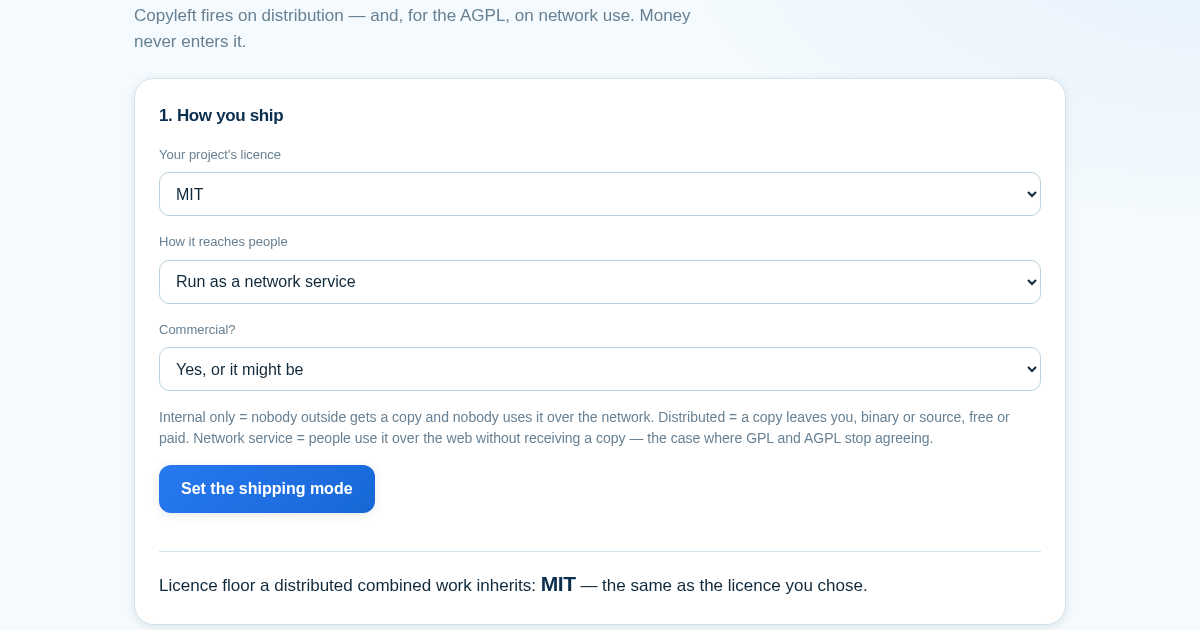
- Choose your project's licence, how it reaches people, and whether it is or might become commercial.
- Add each dependency with the licence as declared and how it is included.
- Read the verdict column: conflict means the combination is not permitted, check means the answer needs facts this page does not have.
- Read the obligations under your shipping mode, and the licence floor your combined work inherits.
Qué obtienes
- Tells you plainly whether using a piece of open-source software triggers a licence obligation for your project, based on how you actually ship it, not on whether you charge money for it.
Captura de pantalla
Detalles técnicos
Como configurar y usar
- Compra la licencia — tu clave (lic_...) aparece en la pagina del pedido y en tu correo.
- Inicia sesion en app.synoriaai.com con tu clave de licencia.
- Sin instalacion — el producto funciona en el navegador, en tu instancia aislada.
- 1. Open the Licence Triggers page and select your project's outbound licence (for example, MIT) from the dropdown.
- 2. Choose the shipping mode that matches how you distribute or provide the software: internal use, distribution, or network/SaaS.
- 3. Indicate whether the project is commercial (this does not affect the licence result, but helps tailor the output).
- 4. Add each dependency by entering its name and selecting its licence from the list, then click 'Add dependency'.
- 5. Review the results: the tool shows the licence floor for your combined work, flags any impossible combinations, and lists concrete obligations per dependency under your chosen mode.
Preguntas frecuentes
Does this tool tell me if I can use a GPL-3.0 library in my SaaS product?
Yes, but only if you select 'Network/SaaS' as the shipping mode. The tool will then show whether the AGPL obligations apply to your dependencies, and what source code you may need to provide.
What happens if I add a dependency with a licence that conflicts with my outbound licence?
The tool will name the combination as impossible (for example, Apache-2.0 into GPL-2.0-only) and explain why it cannot be made, rather than just warning you.
Is my project data stored or shared?
No. All data you enter (project name, dependencies, licences) is processed in your browser and is not sent to any server. The tool does not store or transmit your project information.
Productos relacionados
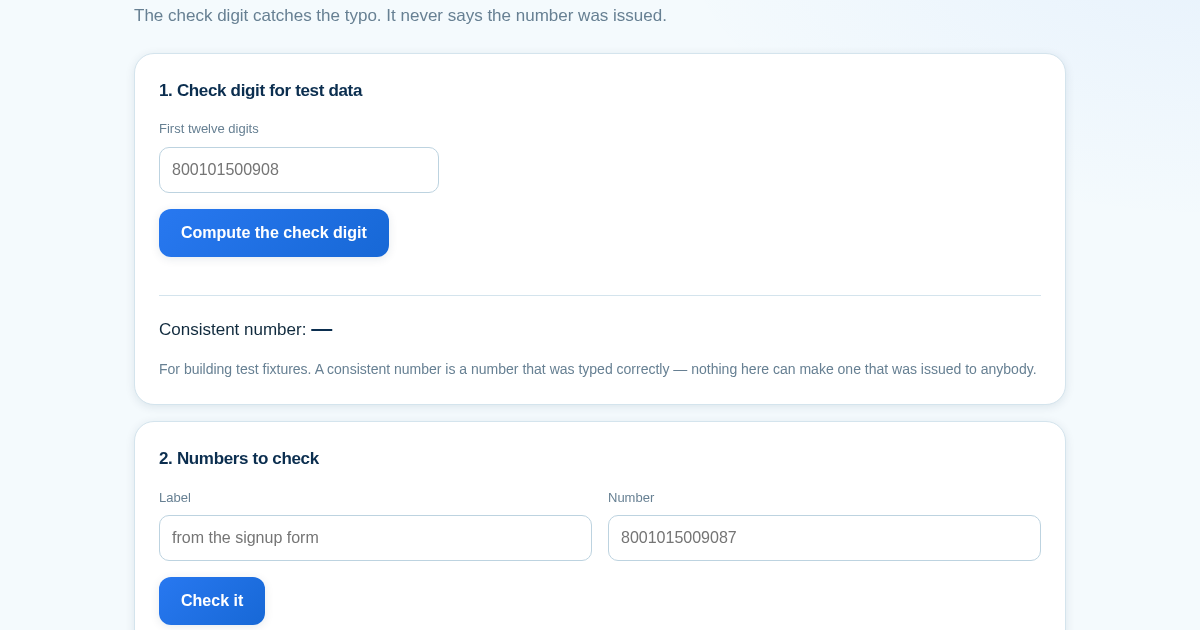
A Valid Check Digit Is Not an Identity
A checksum rules out typos. It does not say a number was ever issued, and it says nothing about who holds it - so a system that reports "verified" on the strength of one is reporting something it did not check. Most…
A Valid Check Digit Is Not an Identity
A checksum rules out typos. It does not say a number was ever issued, and it says nothing about who holds it - so a system that reports "verified" on the strength of one is reporting something it did not check. Most…
A Valid Check Digit Is Not an Identity
A checksum rules out typos. It does not say a number was ever issued, and it says nothing about who holds it - so a system that reports "verified" on the strength of one is reporting something it did not check. Most…
A Valid Check Digit Is Not an Identity
A checksum rules out typos. It does not say a number was ever issued, and it says nothing about who holds it - so a system that reports "verified" on the strength of one is reporting something it did not check. Most…